How to turn apartment tour footage into video ads
Cut a property video around one renter question, send viewers to the matching tour, and track what they do next.
Choose a shot that answers one question
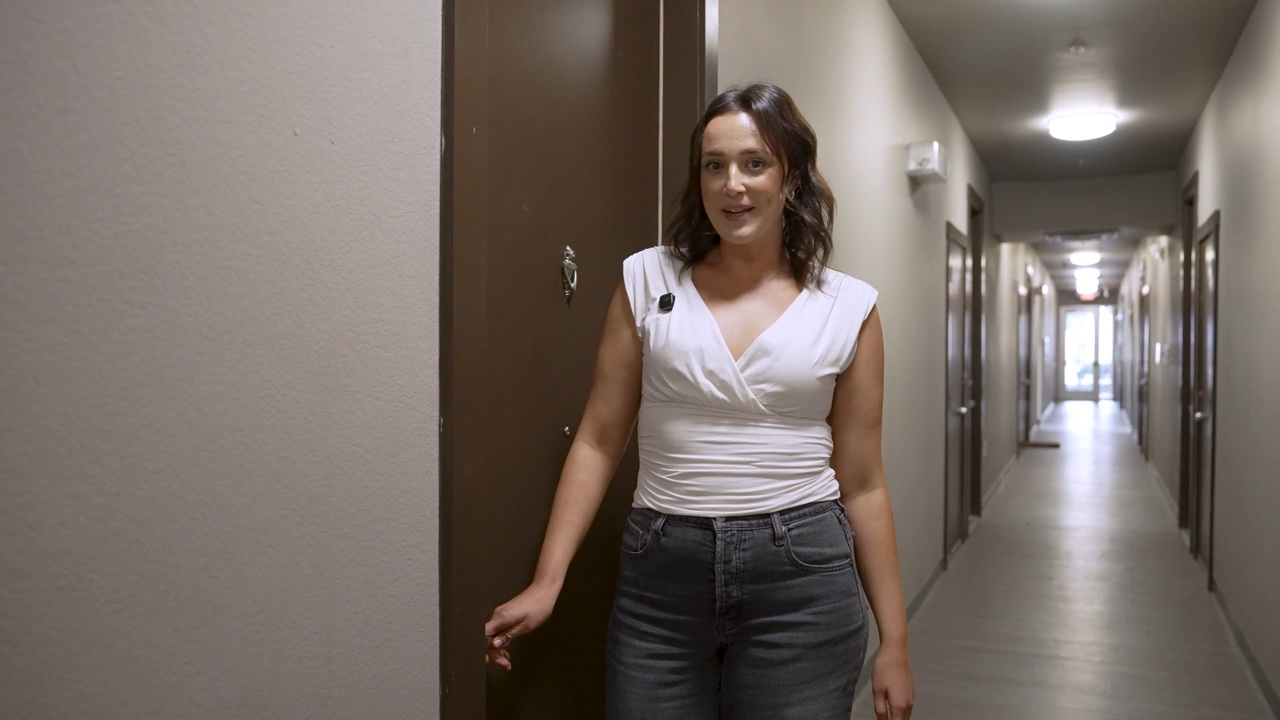
Start with an apartment or amenity your leasing team regularly shows. For a renter comparing one-bedrooms, a continuous shot from the kitchen to the living area can explain more about the layout than a quick pass through several rooms. Give the opening shot time to make that connection.
Show what the renter will find after they click. If the footage comes from a furnished model, label it. Schedule a review when finishes change or when an advertised special ends.
Send viewers to the apartment they just saw
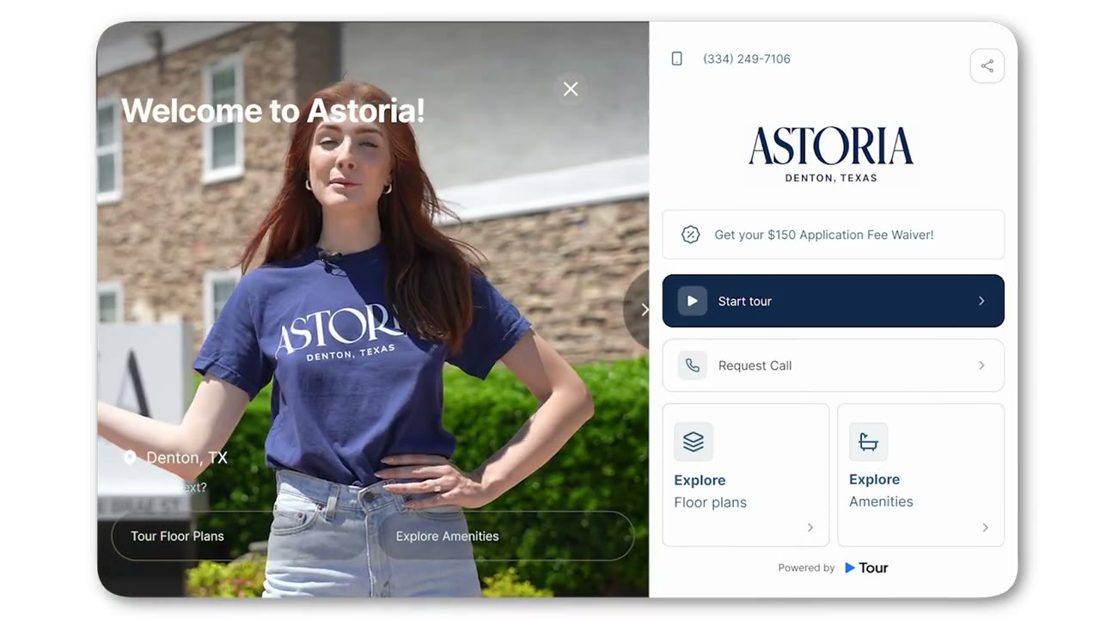
If the ad is about a one-bedroom, the click should open that one-bedroom’s tour or floor plan. Give the viewer an obvious way to watch the full walkthrough and request a visit. Check the journey on a phone with the sound off so you can see whether the title and captions carry the message.
For a return campaign, use an approved audience and give viewers a reason to look again. A short clip about the layout can bring them back to the full tour, where they can browse or pick up a conversation with your leasing team.
Track the steps after an ad view
Label the campaign links so you can compare which ads bring people to the right tour. Review that traffic alongside tour starts, requests, and booked visits. If an ad brings traffic to the page but few people start the tour, open the link yourself and check whether the creative and destination promise the same thing.