Video Ads & Retargeting
Turn your best property tour footage into video ads that introduce the community and bring interested renters back.
Build the ad around a question renters ask
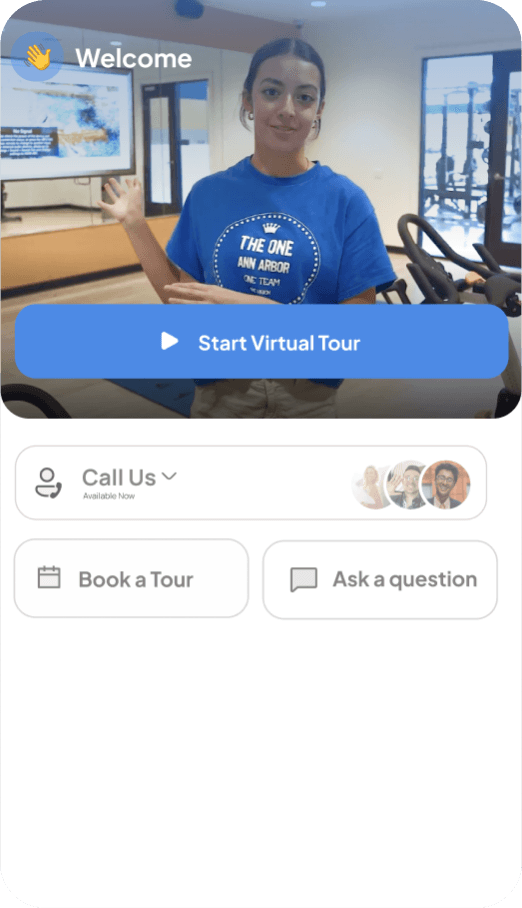
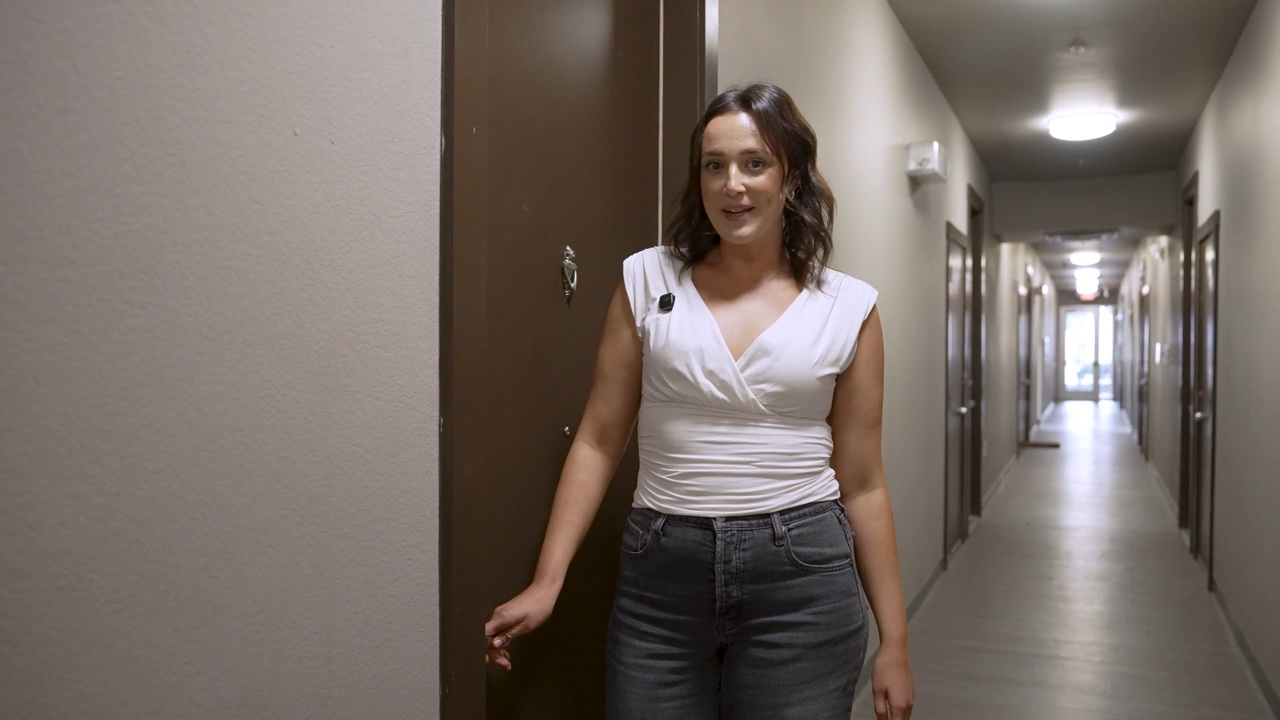
Use a short clip from your guided property tour to answer one question. If renters keep asking where a desk fits in the two-bedroom, show the layout and have the agent point out the space. Send viewers to that part of the full tour so they can see how the rooms connect.
Bring website visitors back to the tour
A renter may explore your property and leave before getting in touch. With retargeting configured and an eligible audience, use a second clip to give those visitors a reason to return. A walk from the apartment to the study lounge can answer a question the first video left open.
Choose placements supported by the campaign, such as Meta or YouTube, and give the ad one action. Link directly to the relevant layout, amenity tour, or booking page.
Connect the ad to the next leasing step
Open the ad on a phone and follow the full path. A renter should land on what the ad showed and be able to ask a question or open the scheduler when those options are available. If they contact leasing, the team can follow up with the exact floor plan or clip they asked about.
Measure the visits the campaign generates
Track video views, visits to the tour, and booking activity as separate steps where measurement is configured. That helps you see whether a clip earns attention and whether the tour it links to gives renters a reason to take the next step.
Follow the question the renter asked
A renter who asks about a two-bedroom has given you a place to start. Share a tour of that layout with a brief note about the question they asked. A link to the right space gives them something they can revisit or pass along.
Use the information a renter chose to share. If someone mentions a move-in window or a feature they need, make it easy to confirm how that relates to their options.
Connect the tour and the conversation
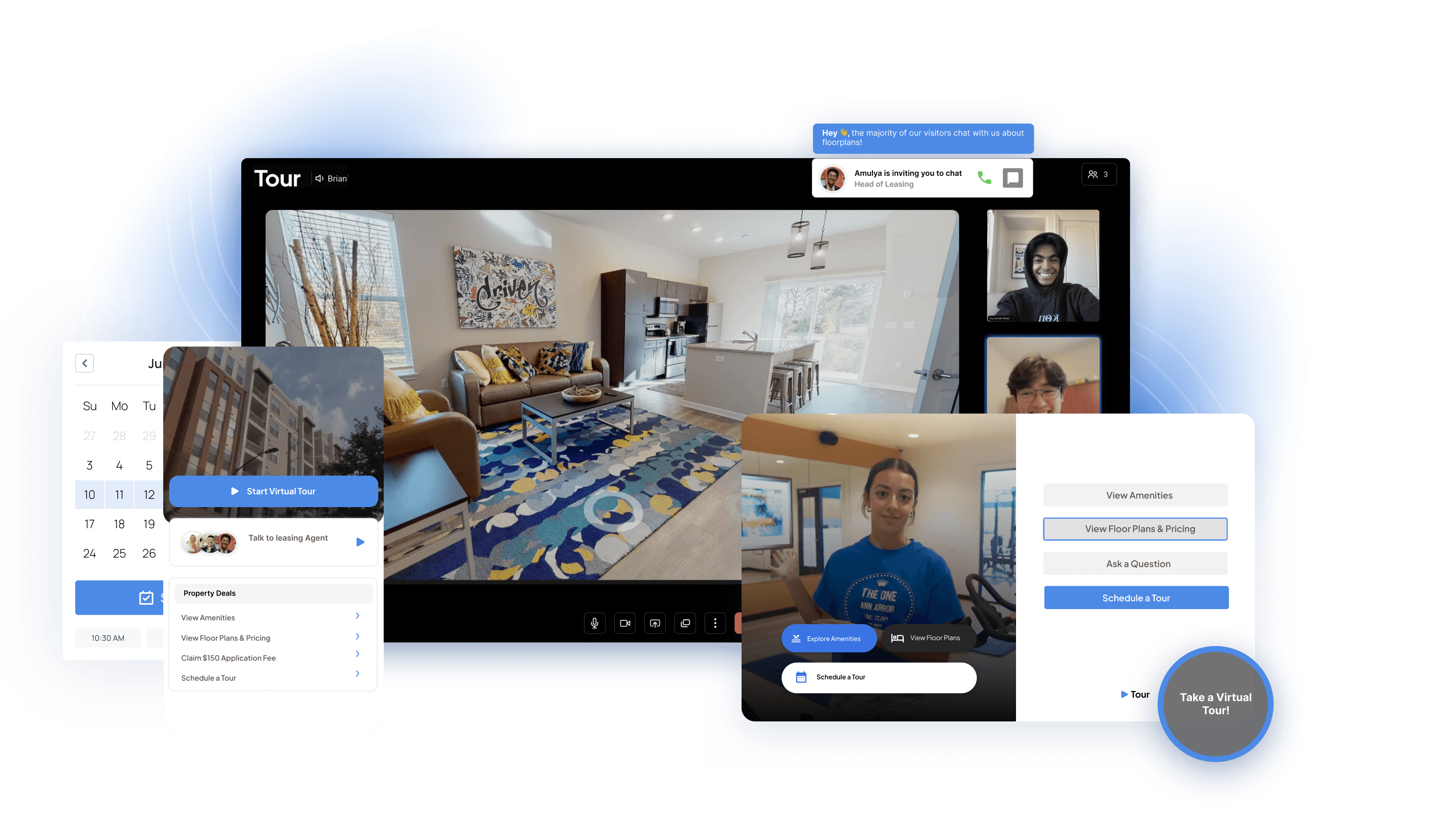
A guided tour can offer chat, a contact form, or a scheduling path when those options are enabled. Arrange those choices around the decisions visitors make in each section. Someone exploring bedrooms may need layout details. Someone choosing a visit time needs a clear scheduling option.
Give the person taking over the conversation enough context to answer the original question. Before launch, send your team through a test inquiry and make sure the right person knows where to respond.
Follow up at the right stage of the tour
A renter who leaves before sharing contact details can see a short tour clip later through an eligible retargeting audience when the property has that campaign configured. Give the clip one job, such as bringing them back to explore a two-bedroom layout.
After a renter asks for more information, use the detail they gave you. If they asked about desk space, send the layout and the clip that shows where a desk might fit. Offer one clear next step, such as checking availability or choosing a visit time.
After an in-person visit, teams using tour.you can start from a follow-up draft based on the tour recorded with permission. If the renter lingered over the bedroom storage, review the draft, link to that layout, and confirm any open questions before sending it.
If a renter raised a price objection during that visit, a manager can review the moment it came up in tour.you. The agent can use an AI roleplay to practice asking about the renter’s budget and explaining the offer before the next visit.
Build a small library of replies
Create a few reusable notes for common situations and make room to personalize the first sentence.
- After a floor-plan question, send the relevant walk-through and point out the detail they asked about.
- After a live visit, recap the preferred layout and confirm anything still pending.
- After a scheduling request, confirm expectations and how to make changes.